
You found the right room. Now the big question: How should we set it up?
Room layout has a huge impact on energy, participation, and comfort. Here’s a simple guide to the most common setups and when to use each.
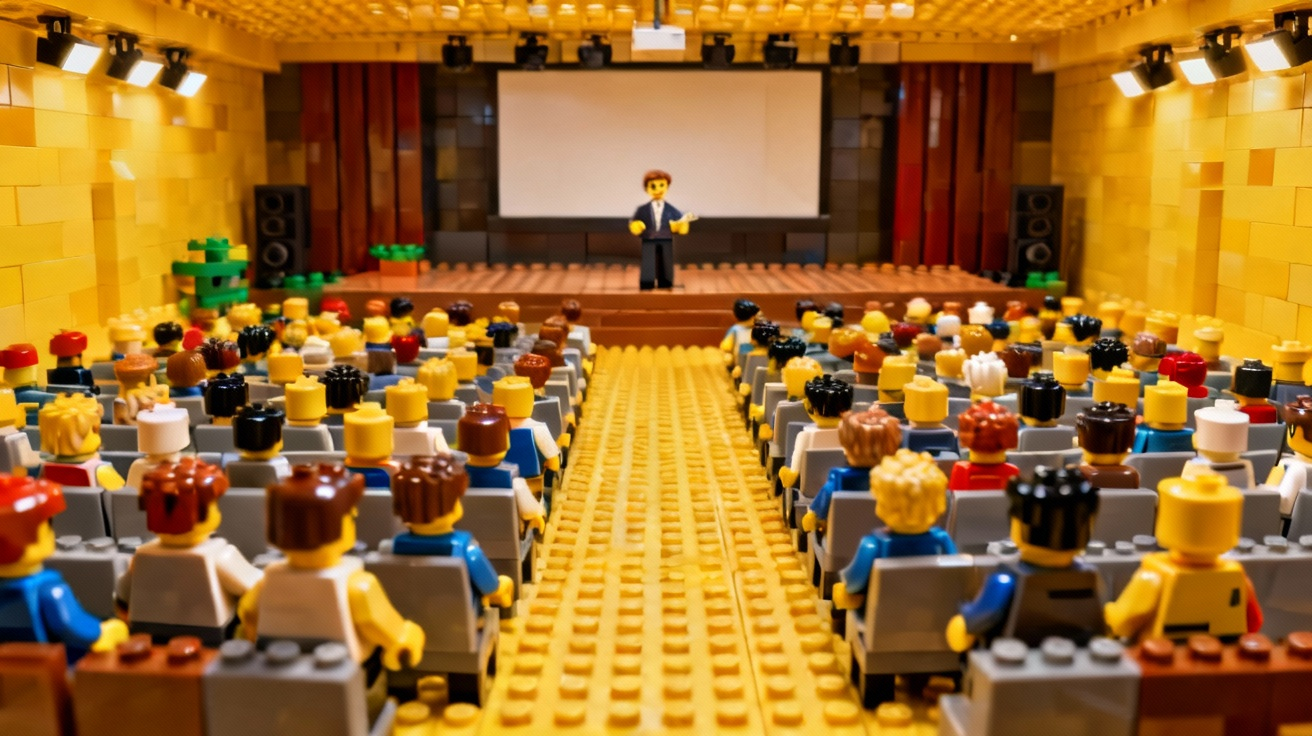
Theater style
Rows of chairs facing the front. No tables.
Best for:
- Large audiences
- Shorter presentations
- Events where people don’t need to take many notes
Pros:
- Highest seating capacity
- Easy to see the speaker and screen
Cons:
- Harder for people to write or use laptops
- Minimal interaction between attendees
Classroom style
Rows of tables with chairs all facing the front.
Best for:
- Trainings and workshops
- Longer sessions
- Events where people use laptops or workbooks
Pros:
- Comfortable for note-taking
- People have space for materials and drinks
Cons:
- Seats fewer people than theater in the same room
- Interaction is mostly front-of-room, not peer-to-peer
Boardroom
One large table with everyone seated around it.
Best for:
- Executive meetings
- Small strategy sessions
- Discussions where everyone needs an equal voice
Pros:
- Great for eye contact and conversation
- Feels intimate and focused
Cons:
- Limited to smaller groups
- Not ideal for slide-heavy presentations
U-shape or hollow square
Tables arranged in a U or square, with chairs around the outside.
Best for:
- Leadership meetings
- Training sessions with lots of discussion
- Hybrid presentation + interaction
Pros:
- Everyone can see each other and the presenter
- Good balance between lecture and conversation
Cons:
- Requires more space per person
- People at the “corners” may feel a bit awkward
Pods or rounds
Small tables (usually 4–8 people) scattered around the room.
Best for:
- Workshops with group breakouts
- Team-building sessions
- Conferences with table discussions
Pros:
- Extremely interactive
- Easy to assign group tasks
Cons:
- Some people have their backs to the screen
- Needs clear instructions and good facilitation
How to choose
Ask yourself:
- Is this mostly about listening, discussing, or doing?
- Listening → Theater or classroom
- Discussing → Boardroom or U-shape
- Doing / group work → Pods or rounds
- How long will people be in the room?
Longer days call for more comfortable, spacious setups. - What does the room realistically support?
Work with your venue; they’ve likely tested every layout and know what works.
You can also combine layouts across the day: start in theater for a keynote, then shift to pods for breakout work. A flexible conference center can help you plan those transitions.