
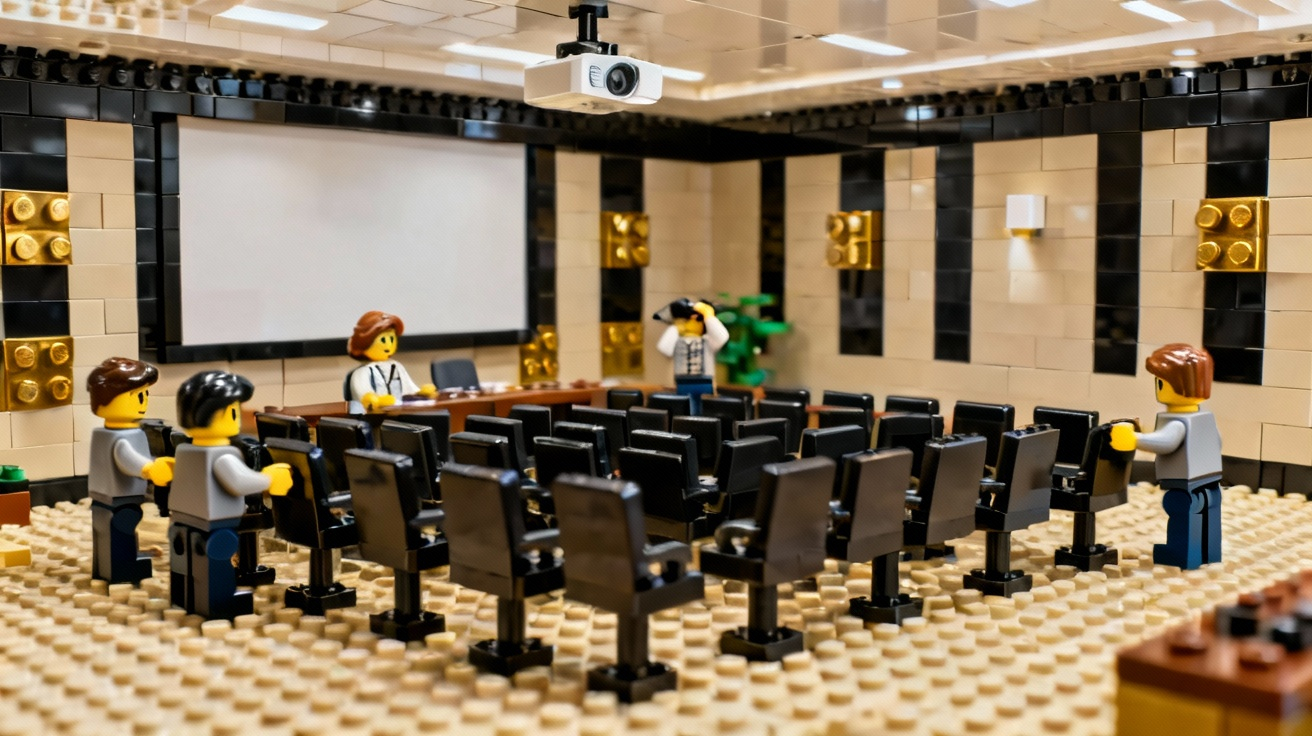
Hybrid meetings can be the best of both worlds — or the worst.
Done well, they let you gather your local team in one room while including remote colleagues without anyone feeling like a second-class participant. Done poorly, the people on screen end up staring at the backs of heads, unable to hear or be heard.
Here are ten practical tips to make your hybrid meetings actually work.
1. Design for remote participants first
If remote people can see, hear, and participate, the in-room folks almost always can too. Start by asking: “What will this feel like for someone joining from a laptop at home?”
2. Use one main screen for shared content
Instead of everyone in the room opening the slide deck, display it on a large screen or projector. That way the camera can capture both the content and the room, and you’re not dealing with a sea of glowing screens.
3. Invest in good audio
Audio matters more than video. Use:
- A quality room microphone (or a few mics if the room is large)
- External speakers so remote voices are clear
Avoid relying on the tiny laptop mic in the front row.
4. Put the camera at eye level
Place the camera near the screen, at roughly eye height, so remote participants feel like they’re part of the room instead of looking up people’s noses or at the ceiling.
5. Assign a “remote advocate”
Give one person the specific job of watching the chat, checking in with remote attendees, and flagging questions. Speakers can’t realistically monitor both the room and the Zoom chat at once.
6. Start with a tech check
Five minutes before the official start:
- Confirm audio both ways
- Ask a remote participant to say hello
- Share your screen and run one test slide
Fixing issues up front is far less awkward than doing it in the middle of a presentation.
7. Use simple engagement tools
To keep everyone involved:
- Ask “show of hands” questions and have the remote advocate read out results in the chat.
- Use quick polls.
- Break into small groups in the room and breakout rooms online, then reconvene.
8. Avoid side conversations in the room
Remote attendees can’t hear the quick comments people make to their neighbors. Encourage people to speak up or wait until the group discussion so everyone stays in the loop.
9. Share materials in advance
Send slides, handouts, and links ahead of time so remote participants can follow along even if their screen is small or their connection hiccups.
10. Wrap up with clear next steps
End by summarizing decisions, assigning owners, and confirming how notes will be shared. Hybrid meetings can feel more scattered; a strong wrap-up creates clarity.
Hybrid meetings take a little more planning than a typical in-person meeting, but with the right room, equipment, and habits, you can make remote and in-room participants feel like one team — not two separate worlds.